One design anchor
Choose the strongest room angle as the visual reference for the complete set.

Consistent room set
Stage two to four photographs of the same room as one coordinated set, using a selected anchor and shared design direction.
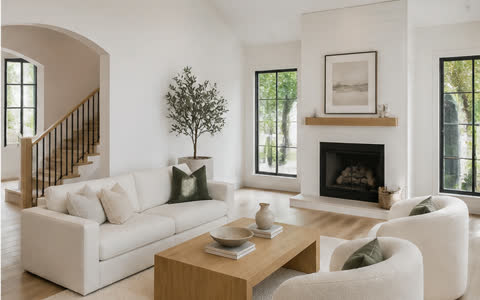 Before → After
Choose the strongest room angle as the visual reference for the complete set.
Carry the same furniture identity, materials, and design direction across related views.
Inspect, compare, and download every camera angle independently.
Workflow
Each step is designed around the listing photograph—not a generic image-generation canvas.
Upload two to four photographs that show the same room from different positions.
Select the view that best communicates the intended room layout and design direction.
Compare every result with its source and download each finished view.
Available direction
Preservation brief
AI output can contain errors. Review every image before publishing or delivering it.
Questions
Use two to four overlapping camera angles of the same room. They should show enough common architecture for the views to relate.
Furnio is designed to improve visual consistency across views, but generative results still require customer review before publication.
Yes. Each returned image is an individual output and uses the feature’s current credit price.
Explore another workflow
Start with the property
Create the property first, then choose this workflow for one photo or a complete property batch.