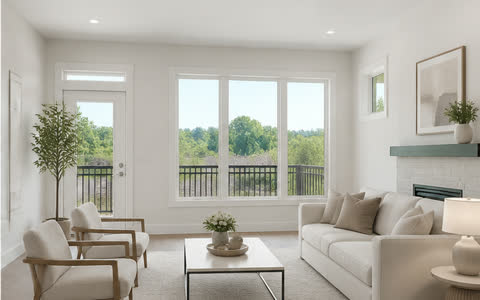
 Before → After
Interior presentation
Virtual staging
Add listing-ready furniture and décor to an empty room while keeping the camera angle, architecture, materials, and visible light intact.
Explore Virtual staging →
Purpose-built production
Choose the exact transformation the photograph needs. Furnio keeps each job attached to its property, preserves the original, and returns reviewable JPEG results.
Before → AfterInterior presentation
Add listing-ready furniture and décor to an empty room while keeping the camera angle, architecture, materials, and visible light intact.
Explore Virtual staging →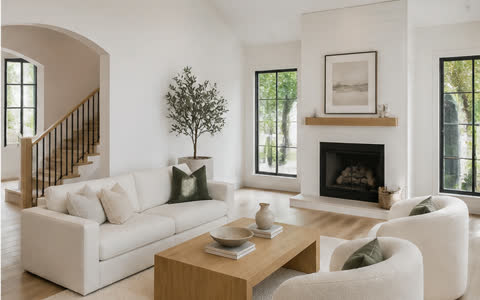 Before → After
Consistent room set
Stage two to four photographs of the same room as one coordinated set, using a selected anchor and shared design direction.
Explore Matched multi-view →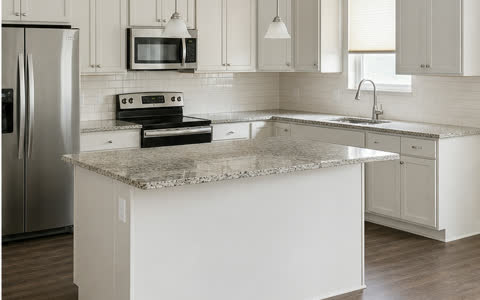 Before → After
Precision cleanup
Remove selected furniture, clutter, cords, and temporary distractions without asking an editor to rebuild the entire photograph.
Explore Item removal →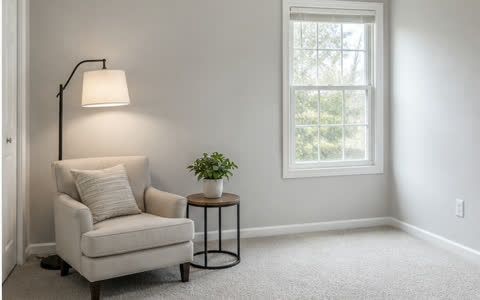 Before → After
Directed edit
Paint a specific area and describe the furniture or detail you want added, replaced, or adjusted inside that region.
Explore Custom staging →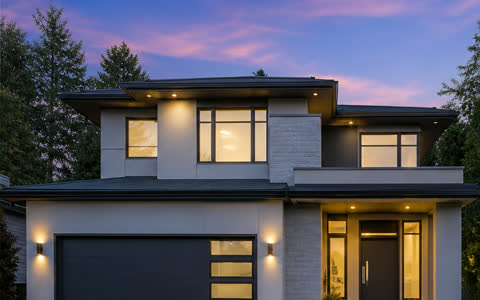 Before → After
Exterior light
Create a polished twilight exterior with your choice of sky character and believable window and exterior lighting.
Explore Twilight →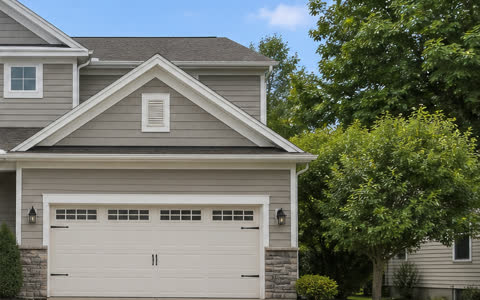 Before → After
Seasonal conversion
Convert a winter exterior into a believable summer presentation while preserving the original property and camera perspective.
Explore Winter to summer →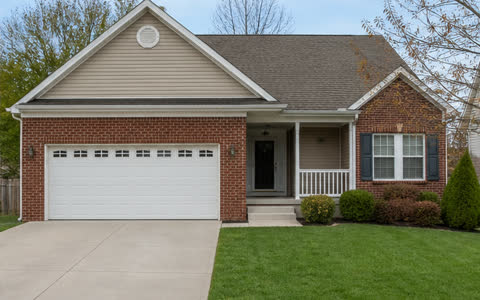 Before → After
Exterior finish
Clean up the exterior presentation with individually selectable driveway, lawn, sky, and leaf improvements.
Explore Exterior enhancement →The original photograph, architecture, and visible property condition remain the review reference.
Furnio verifies the complete balance and property limit before a batch upload begins.
Visible virtual-staging disclosure is available, editable, and enabled by default.
Start with the property
Create a property, choose the workflow, and keep every result attached to the listing.